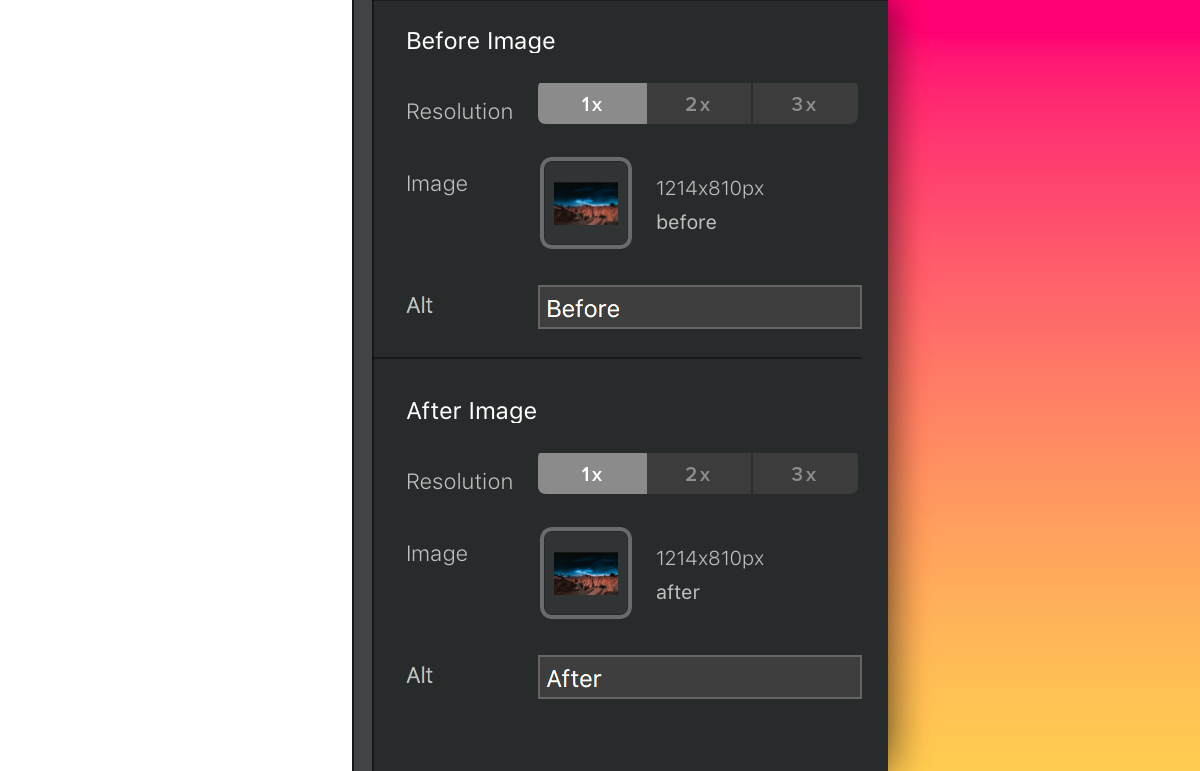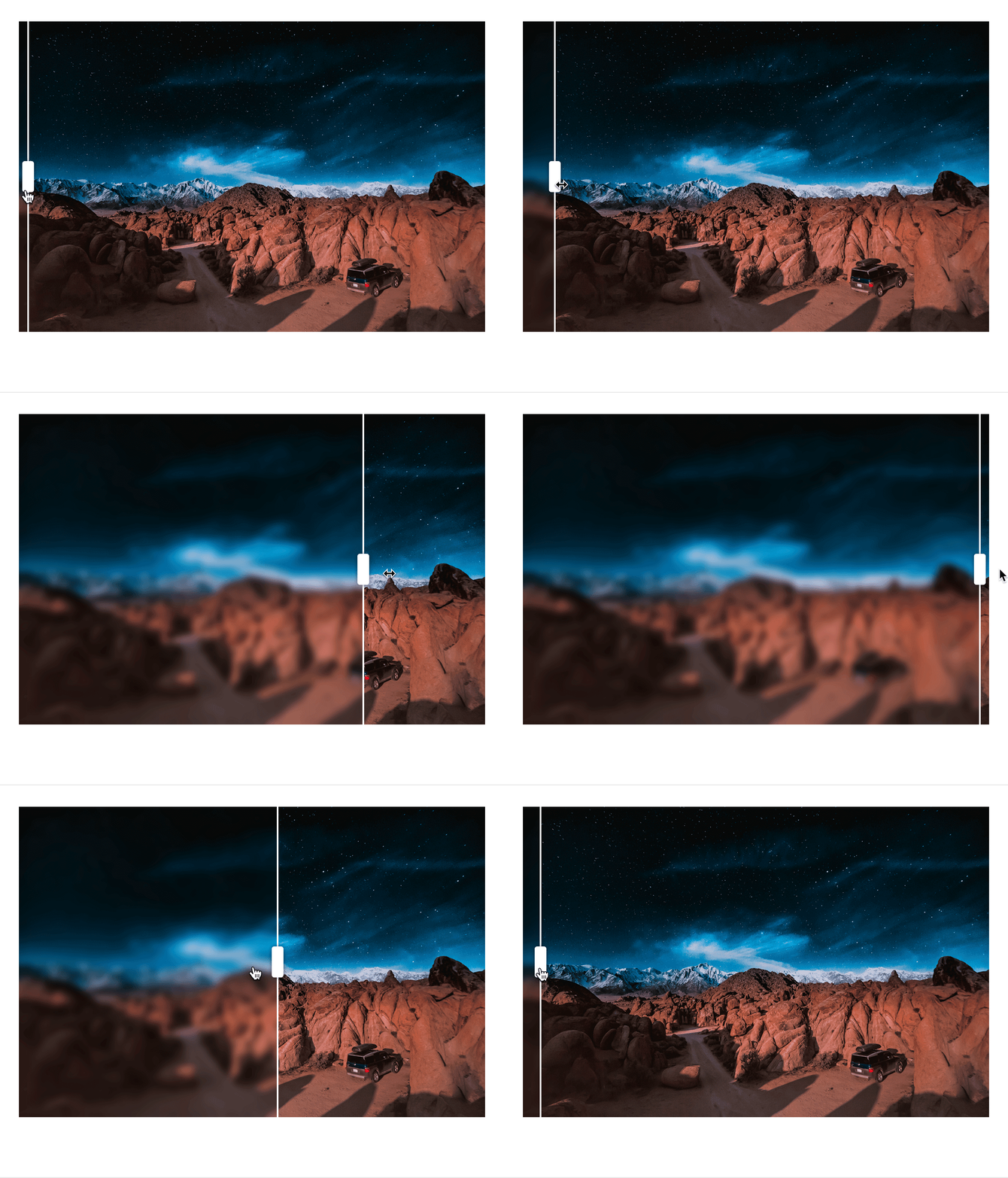
Display a before and after image comparison on your Blocs site with ease, using this handy little Bric.
Not working!!! UPDATE PLS!!!
Hello ! doesn't work anymore in Blocs 5 / bootstrap 5. Any update ? thanks !
Doesn't work any more with the latest version Blocs 5... Any update ?
Hello, any updates coming for this super useful Bric?
Fantastic Bric! There is only one problem, if you put a .png files appears both images at same time... It would be great to correct this feature. Thanks!!
Hi could you explain because it is don't work for me. i can slide the separator but there is an other one stay in the middle .. THX
Thank you for this. Could you just add options with the separator: left, center or right? (at launch) http://3dvs.fr/js/Starting.jpg
Thx for this amazing bloc
Wow, this will be very helpful on my blog. It's a feature you see across the web, now we have it in Blocs! Yes, Blocs Rocks
this is a very cool handy Bric
Trusted Seller Blocs Developer
Last Seen: 3 Days Ago
Location: UK
eric nieto 16/6/2026
to fix the problem just copy the following in your tag: (function(){ function initCocoen(el){ if(el.dataset.cocoenReady) return; var pics = el.querySelectorAll(':scope > picture'); if(pics.length < 2) return; el.dataset.cocoenReady = '1'; var top = pics[1]; var drag = document.createElement('div'); drag.className = 'cmp-drag'; el.appendChild(drag); var pct = 50, active = false; function set(p){ pct = Math.max(0, Math.min(100, p)); top.style.webkitClipPath = 'inset(0 ' + (100 - pct) + '% 0 0)'; top.style.clipPath = 'inset(0 ' + (100 - pct) + '% 0 0)'; drag.style.left = pct + '%'; } function move(e){ var r = el.getBoundingClientRect(); var x = (e.touches ? e.touches[0].clientX : e.clientX) - r.left; set(x / r.width * 100); } set(50); el.addEventListener('mousedown', function(e){ active = true; move(e); e.preventDefault(); }); window.addEventListener('mousemove', function(e){ if(active) move(e); }); window.addEventListener('mouseup', function(){ active = false; }); el.addEventListener('touchstart', function(e){ active = true; move(e); }, {passive:true}); el.addEventListener('touchmove', function(e){ if(active) move(e); }, {passive:true}); el.addEventListener('touchend', function(){ active = false; }); } function initAll(){ document.querySelectorAll('.cocoen').forEach(initCocoen); } if(document.readyState === 'loading'){ document.addEventListener('DOMContentLoaded', initAll); } else { initAll(); } window.addEventListener('load', initAll); })(); .cocoen{position:relative;overflow:hidden;cursor:ew-resize;-webkit-user-select:none;user-select:none;line-height:0;width:100%} .cocoen>picture{display:block} .cocoen>picture img{display:block;width:100%;height:auto} .cocoen>picture:nth-of-type(2){position:absolute;top:0;left:0;width:100%;height:100%} .cocoen>picture:nth-of-type(2) img{width:100%;height:100%;object-fit:cover} .cocoen .cocoen-drag{display:none!important} .cmp-drag{position:absolute;top:0;bottom:0;left:50%;width:2px;margin-left:-1px;background:#fff;box-shadow:0 0 4px rgba(0,0,0,.4);pointer-events:none} .cmp-drag::before{content:"";position:absolute;top:50%;left:50%;width:34px;height:34px;margin:-17px 0 0 -17px;border-radius:50%;background:#fff;box-shadow:0 0 6px rgba(0,0,0,.4)} .cmp-drag::after{content:"";position:absolute;top:50%;left:50%;width:14px;height:14px;margin:-7px 0 0 -7px;border-left:2px solid #888;border-right:2px solid #888;box-sizing:border-box}